
Loading…
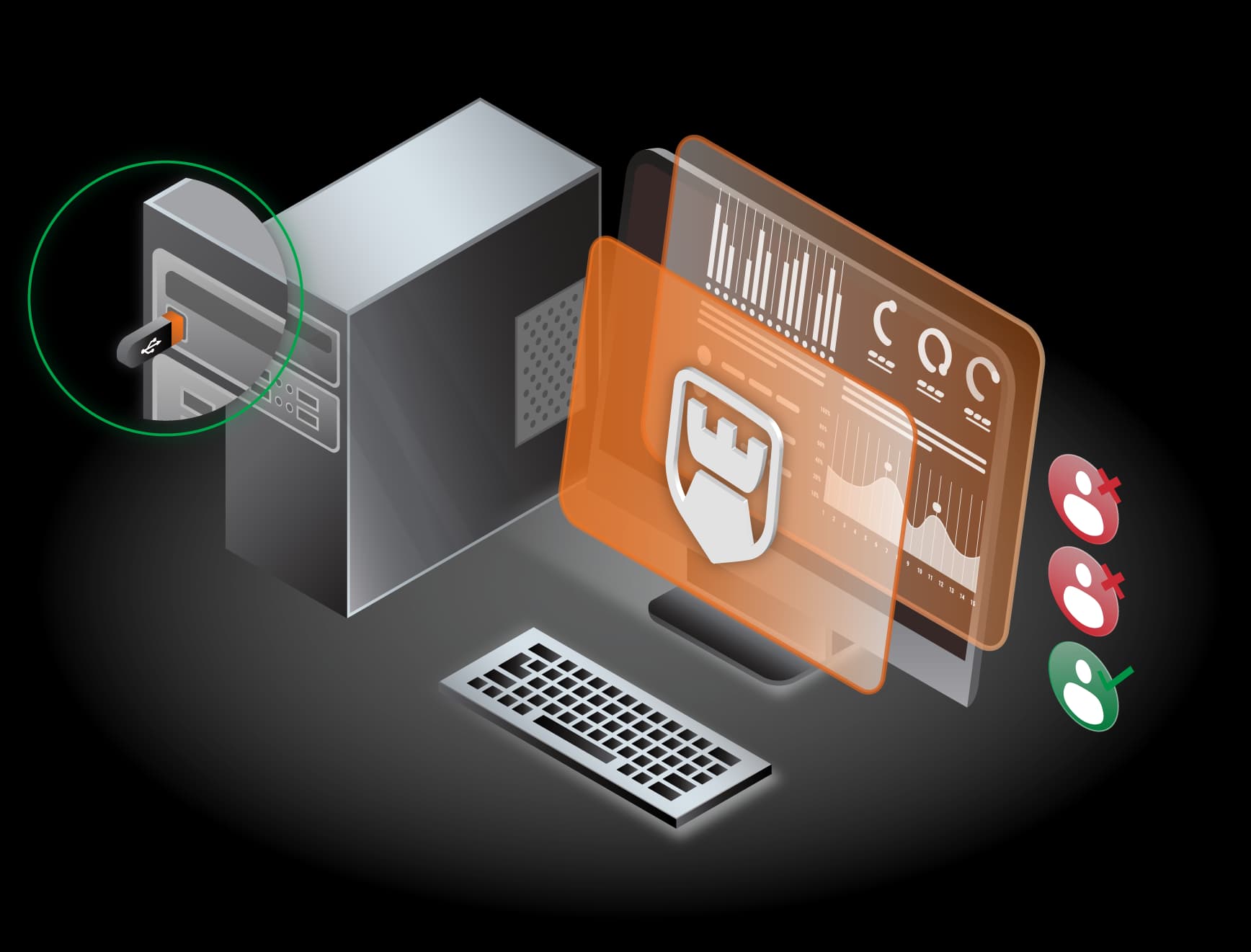
Complete control over data transfer ports, preventing information leakage and malware threats with multi-antivirus scanning and customizable security policies; no physical kiosk required.

Padvish vKiosk™ is designed as an advanced security layer for managing, controlling, and securing data exchange via portable media such as USB drives. This solution significantly enhances the security level of organizational networks by preventing sensitive data leaks and malware entry.
Unlike physical kiosks that require dedicated hardware and costly installation and maintenance, Padvish vKiosk™ offers all equivalent security capabilities in a software-based and virtual format—a lightweight, flexible, and scalable solution that provides superior security without dependency on physical equipment.
In addition to precise access control for storage devices, Padvish vKiosk™ integrates key features such as file filtering, multi-antivirus (Multi-AV) scanning, and threat analysis to elevate organizational security standards.
This product enables the definition of specific policies for reading/writing data, monitoring file health prior to transfer, and providing comprehensive reports and analyses. Using analytical charts and real-time reporting, managers can maintain intelligent and precise oversight of all clients.
Padvish vKiosk™ is an essential solution for sensitive environments and organizations requiring strict data protection without the need for expensive hardware or traditional kiosks.

Authorized USB devices and other equipment are defined for access. Separate restrictions are set for Writing (sending) or Reading (receiving) data for each device.

The user interface (UI) allows for the simultaneous display and management of 10 users. There is no fixed limit on the number of users; additional users can be defined as needed. Each user can have specific security policies such as Write-only, Read-only, or both.

Files are inspected based on type and format. The transfer of unauthorized or restricted files is prevented.
Authorized USB devices and other equipment are defined for access. Separate restrictions are set for Writing (sending) or Reading (receiving) data for each device.
The user interface (UI) allows for the simultaneous display and management of 10 users. There is no fixed limit on the number of users; additional users can be defined as needed. Each user can have specific security policies such as Write-only, Read-only, or both.
Files are inspected based on type and format. The transfer of unauthorized or restricted files is prevented.

All files are scanned by multiple antiviruses before being sent or received. Data transfer occurs only if the files are verified as valid and do not violate security policies.


The system administrator defines how many antiviruses must detect a file for it to be identified as malware. Example: If the detection threshold is 3, at least 3 antiviruses must report the file as infected. If detection counts equal or exceed the threshold, it is flagged as malware. If detection counts are below the threshold, the system applies the Default Policy.

The management console provides a list of available antiviruses. Managers can select which antivirus engines participate in the identification process.

Detailed information for each transfer includes:


Unified management, configuration, monitoring, and updates

Fast deployment and reduced administrative overhead
We are here to answerHave a question?

